
Introduction
iPhones are valuable tools that often accompany us everywhere, making them vulnerable to unexpected water exposure. Whether it’s a splash by the pool or an accidental drop in a bathtub, water damage is a common concern for users. This guide will help you navigate through immediate actions and long-term solutions to tackle water damage effectively.
Knowing what to do when your iPhone faces water damage can be the difference between a minor inconvenience and a costly repair. We’ll explore essential initial steps, evaluate DIY remedies, and discuss when professional intervention is necessary. We’ll also touch on preventive measures to safeguard your device in the future.
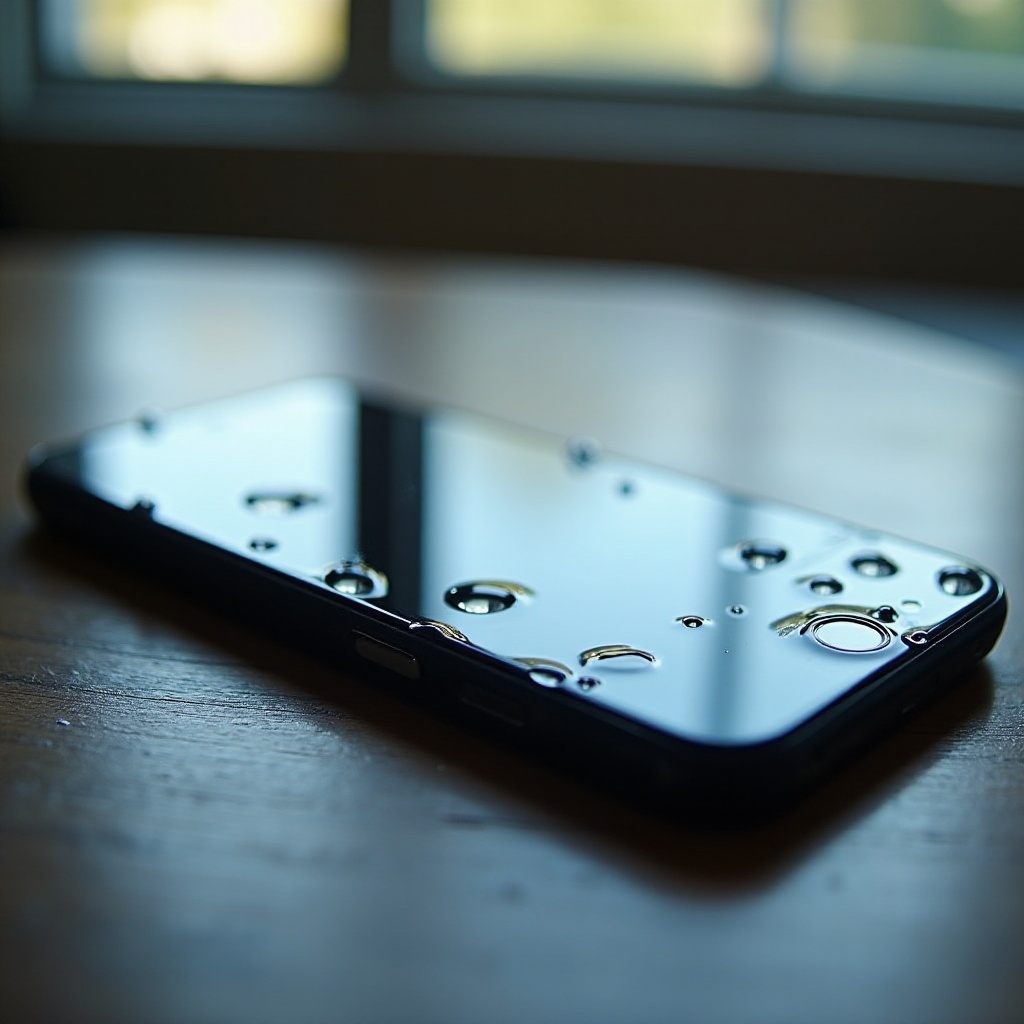
Immediate Steps to Take Post-Water Exposure
The moment your iPhone encounters water, acting quickly is crucial. Here are the immediate steps you should follow to mitigate damage:
-
Power Off Your iPhone Immediately: To prevent short circuits, turn off your iPhone without testing if it still operates. This is a critical step in damage control.
-
Remove Accessories: Detach any cases, covers, or cables to allow air flow and let trapped moisture escape, which can help reduce further damage.
-
Use a Microfiber Cloth for Initial Drying: Gently pat your iPhone dry with a microfiber cloth, focusing particularly on the ports and buttons. Avoid using force or inserting objects into openings.
-
Avoid Heat and Shaking the Device: Never attempt to dry your iPhone with a hairdryer or direct heat source, as this can cause more harm. Similarly, excessive shaking might push water deeper into the device.
After taking these immediate actions, it is essential to understand the extent of the water damage to decide on next steps. The following section will guide you through diagnosing the severity of the damage.
Diagnosing Water Damage Severity
Determining how badly your iPhone is affected by water is essential to deciding on the best course of action.
Recognizing Common Signs of Water Damage
Be on the lookout for these symptoms to assess the condition of your device:
- The screen remains unresponsive or exhibits a distorted display.
- The audio output is muffled or completely absent.
- Moisture is visible under the screen.
- The device restarts on its own or fails to turn on.
- Charging issues or failure to detect when connected.
Checking Water Damage Indicators
Apple cleverly integrates Liquid Contact Indicators (LCI) in some internal components. Inspect the inside of the SIM card slot with a bright light. If you see red indicators, it’s a sign of water exposure. This step is vital before moving forward with fixes.
Once you’ve determined the damage level, consider exploring some home remedies if the situation allows it. Let’s delve into common DIY solutions for water-damaged iPhones.
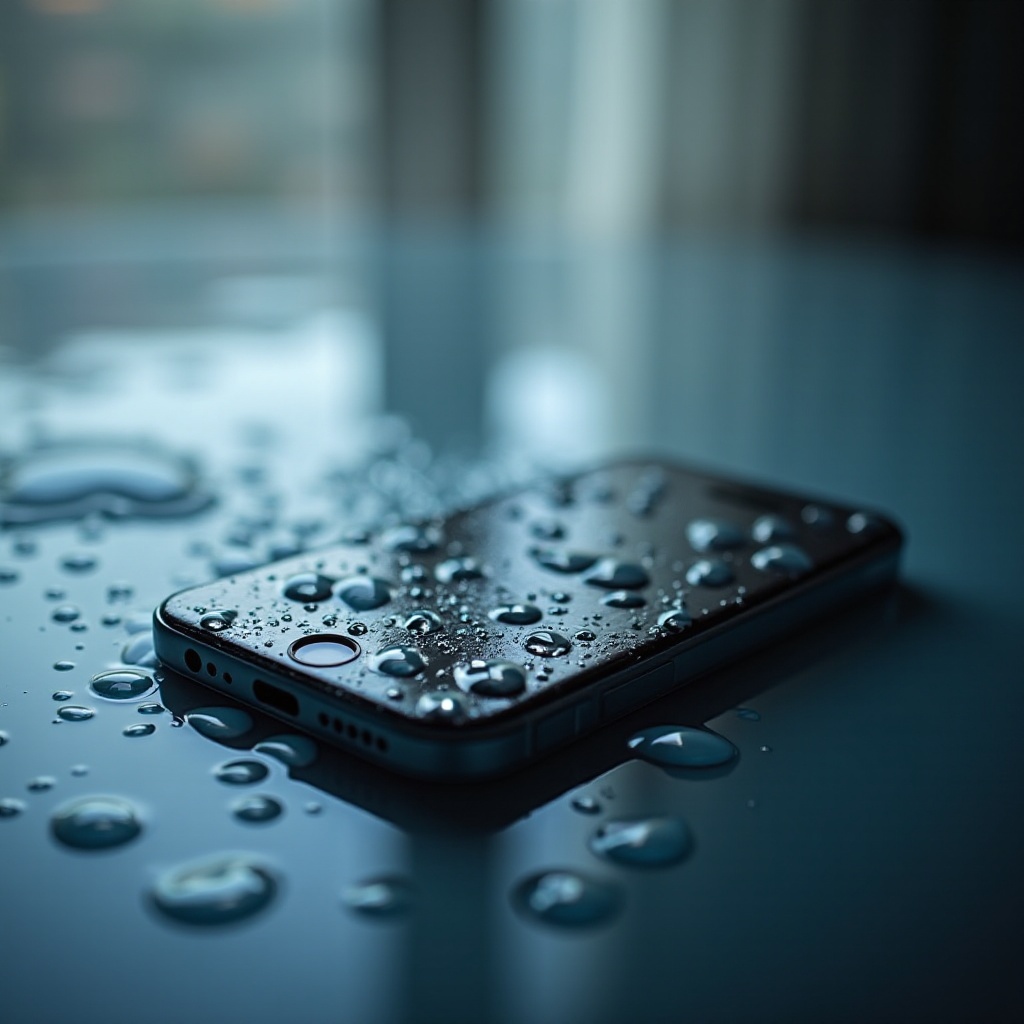
DIY Remedies for Water-Damaged iPhones
If the water damage appears minimal, you might be able to repair the device with some at-home methods before deciding to seek professional repair.
Evaluating the Effectiveness of Rice and Silica Gel
Traditional advice often includes the use of rice for moisture absorption.
-
Rice Method: Submerge your iPhone fully in a bowl of uncooked rice and let it sit for 24 to 48 hours. While popular, the effectiveness of this method is debated as it may only absorb surface moisture.
-
Silica Gel: More effective than rice, silica gel packets can provide reliable moisture absorption. Secure your iPhone in an airtight bag with these packets for the best results.
Cleaning Ports and External Parts Safely
To address potential water in ports and crevices, use these methods:
- Carefully use a cotton swab with isopropyl alcohol to clean and dry visible areas.
- Keep all connectors and cables unplugged until fully dry to avoid electrical issues.
If these steps don’t resolve the issue or if you’re dealing with seemingly significant damage, it might be time to consult a professional for repairs.
When to Seek Professional Help
While DIY solutions can sometimes resolve water damage, not all situations are salvageable at home. Knowing when to seek expert help is crucial.
Determining the Need for Expert Repair
Should your iPhone remain unresponsive or display severe issues after home attempts, consider professional diagnosis and repair. Particularly if the LCI shows water presence, professional assessment could prevent further complications.
Selecting a Trusted Repair Service Provider
Look for service providers with strong customer reviews and transparent pricing. Opt for authorized Apple centers or certified professionals who provide warranty and quality guarantees on repair work. Always inquire about the cost and what the repair entails before proceeding.
After attempting both DIY remedies and receiving professional evaluations, implementing preventive measures can safeguard against future water incidents.
Preventive Measures for Future Water Damage
Creating protective habits and using certain accessories can significantly lower your iPhone’s risk of future water damage.
Investing in Waterproof Cases
Choose high-quality waterproof cases tailored to fit your iPhone model perfectly. These cases offer substantial protection against accidental water exposure.
Understanding IP Ratings and Their Limits
Apple devices come with an IP rating that provides insight into their water resistance level. However, these don’t make devices entirely waterproof, so understanding these limits helps inform responsible usage.
With these strategies, you can prolong the lifespan of your iPhone, reducing stress and expenses linked to water damage. Actively protecting your device is instrumental in preserving its functionality despite life’s unexpected moments.
Conclusion
Taking immediate actions along with informed decisions greatly enhances the likelihood of restoring a water-damaged iPhone. Whether through DIY methods or professional repair, understanding your options provides reassurance. Regular maintenance and preventive care further ensure that your iPhone remains in excellent condition.
Frequently Asked Questions
Is it possible to save a water-damaged iPhone?
Yes, timely action and proper remedies can often revive a water-damaged iPhone. Professional help is recommended for severe situations.
How long should I keep my iPhone in rice?
For potential moisture absorption, it’s suggested to leave the iPhone in rice for 24-48 hours. Using silica gel is often more effective.
Does Apple warranty cover water damage?
Apple’s standard warranty generally does not cover water damage. However, AppleCare+ may offer some level of support for such incidents.