Introduction
Lines appearing on your Vizio TV screen can certainly disrupt your viewing experience and leave you frustrated. Knowing what causes these lines and how to solve the problem effectively can save you significant time and effort. If you find yourself with unwanted lines on your screen, whether horizontal, vertical, or flickering spots, this article will provide detailed steps to address them promptly. Let’s explore the underlying causes and actionable solutions.
Understanding the Causes of Screen Lines on Vizio TVs
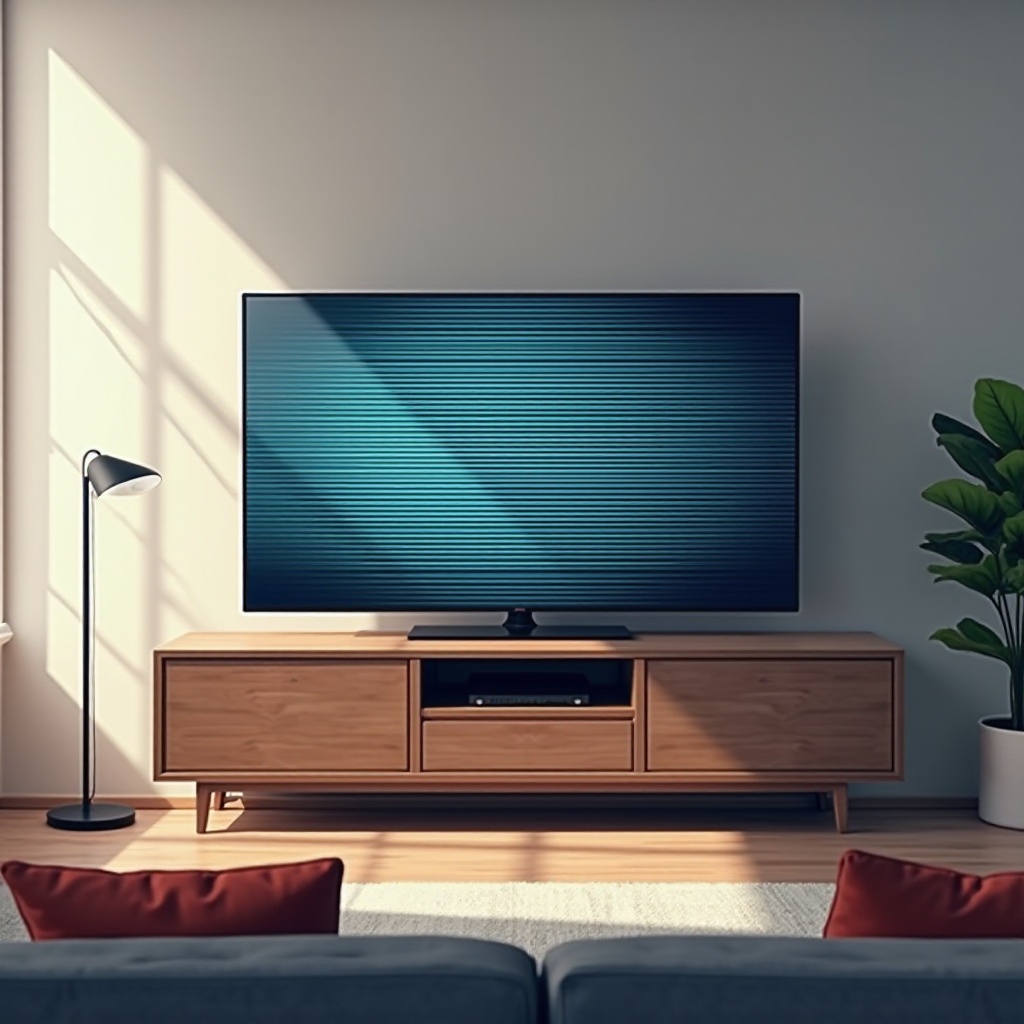
Before implementing a fix, it is essential to understand the potential causes of these screen lines on Vizio TVs. Various factors may contribute to this issue, including:
- Physical Damage: Any impact on the screen can result in lines.
- Loose or Damaged Cables: Disconnected or faulty HDMI or AV cables can lead to display issues.
- Software Glitches: Minor bugs within the TV’s software may cause these display problems.
- Firmware Issues: Outdated or incompatible firmware might trigger screen anomalies.
With an understanding of these causes, you can proceed to implement the appropriate remedies to cure the problem.
Quick DIY Fixes for Screen Lines
Armed with insights into possible causes, you can now try some basic fixes to resolve the issue at home before seeking professional assistance.
- Power Cycle Your Vizio TV: Turn off and unplug the TV, wait a few minutes, and then power it back on.
- Check and Reconnect Cables: Ensure all cables are connected securely and replace any that are damaged.
- Adjust TV Picture Settings: Consider resetting your TV’s picture settings or adjusting them to see if this resolves the issue.
Trying these quick DIY fixes often resolves common display issues without needing expert help.
Advanced Troubleshooting Methods
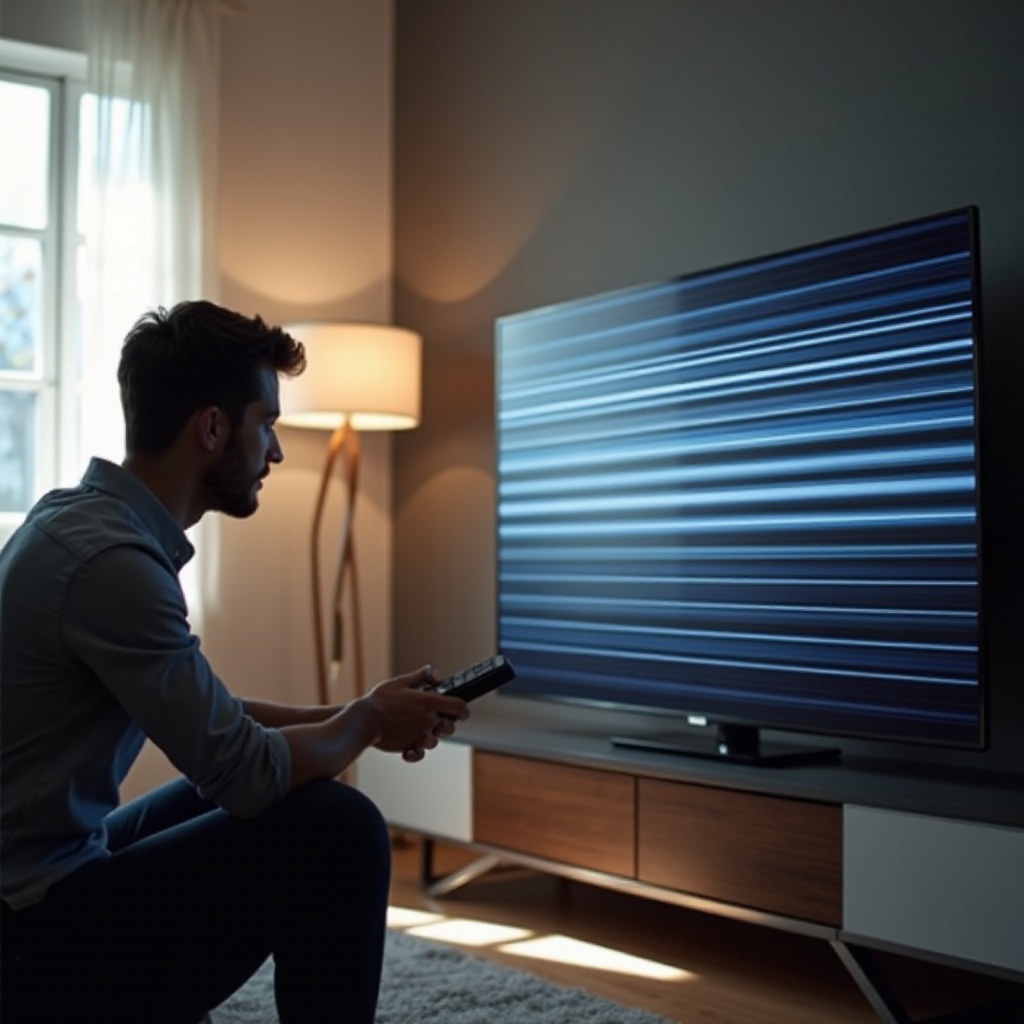
If these initial fixes prove ineffective, it might be time to engage in more advanced troubleshooting techniques.
- Update Vizio TV Firmware: Check Vizio’s support website for the latest firmware updates and follow instructions to ensure your TV software is up to date.
- Utilize Service and Diagnostic Modes: Access the service menu using specific codes to perform diagnostics.
- Test with Different External Devices: Connect different devices to your Vizio TV using various cables to determine if the issue persists.
These advanced methods require precision and care but can often resolve more complex issues impacting your TV’s performance.
When to Seek Professional Repair for Your Vizio TV
If the lines continue to appear even after all troubleshooting steps, it might be time to seek professional repair services.
Persistent screen lines could indicate serious underlying hardware issues, which a professional technician is better equipped to diagnose and resolve.
Preventing Future Screen Line Issues
Taking preventive measures ensures the longevity and optimal performance of your Vizio TV, thus reducing the risk of recurring screen line problems.
- Regularly Update Software: Enable automatic software updates for the latest features and stability.
- Routine Maintenance: Regularly inspect and clean cables, and keep the TV in a safe environment to avoid physical damage.
Employ these practices to enhance and protect your television’s functionality over time.
Conclusion
Resolving lines on your Vizio TV screen need not be a daunting task. Often, basic fixes can remedy the issue swiftly, while advanced troubleshooting and professional help cover more persistent problems. Understanding potential causes and practicing regular maintenance are pivotal in achieving a seamless and enjoyable viewing experience.
Frequently Asked Questions
What should I do if the lines on my Vizio TV screen are intermittent?
Try turning off the TV and unplugging it for a few minutes. Ensure cables are secure, and consider updating the firmware.
Does the type of HDMI cable affect screen performance on a Vizio TV?
Yes, using a high-quality HDMI cable enhances signal transmission and reduces issues like screen lines.
Can a factory reset fix the lines on my Vizio TV?
A factory reset can sometimes resolve software-related display issues, but it should be a last resort after other options.