
Introduction
A broken iPhone screen LCD disrupts everyday functionality with issues like touch unresponsiveness and display malfunctions. Such disruptions can significantly affect your daily life. This guide explores how to diagnose and repair a broken iPhone screen LCD effectively. We will navigate through DIY solutions, professional options, and essential practices to keep your phone screen protected.
Understanding iPhone LCD Screen Damage
To address a broken iPhone screen, recognizing the difference between LCD damage and other issues is vital.
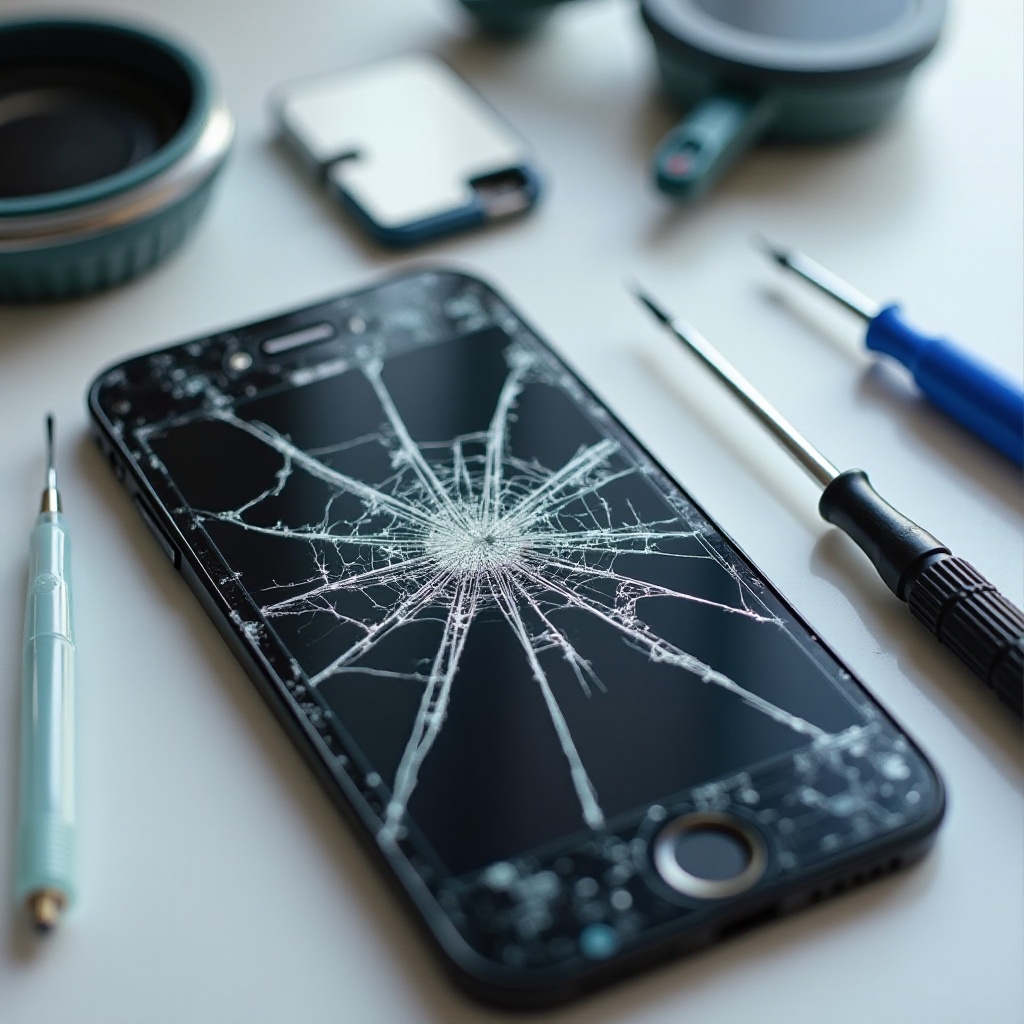
- Differentiating Between Cracked Glass and LCD Issues: Surface cracks on a screen might not impact the LCD. However, issues like discoloration or vertical lines often indicate LCD damage.
- Common Causes of LCD Damage: Damage occurs due to impacts, moisture exposure, or excessive pressure. Recognizing what leads to these issues can help in minimizing risks.
- Signs Your LCD Screen Needs Repair: Look out for flickering, touch unresponsiveness, or pixelated displays as common signs of LCD damage.
Understanding these aspects offers valuable direction for deciding between DIY repairs and professional services.
DIY Troubleshooting and Repair Options
If you possess basic technical skills, DIY repair might be worth considering.
- Initial Diagnostic Steps: Ensure the problem is hardware-related by restarting or performing a soft reset on your device.
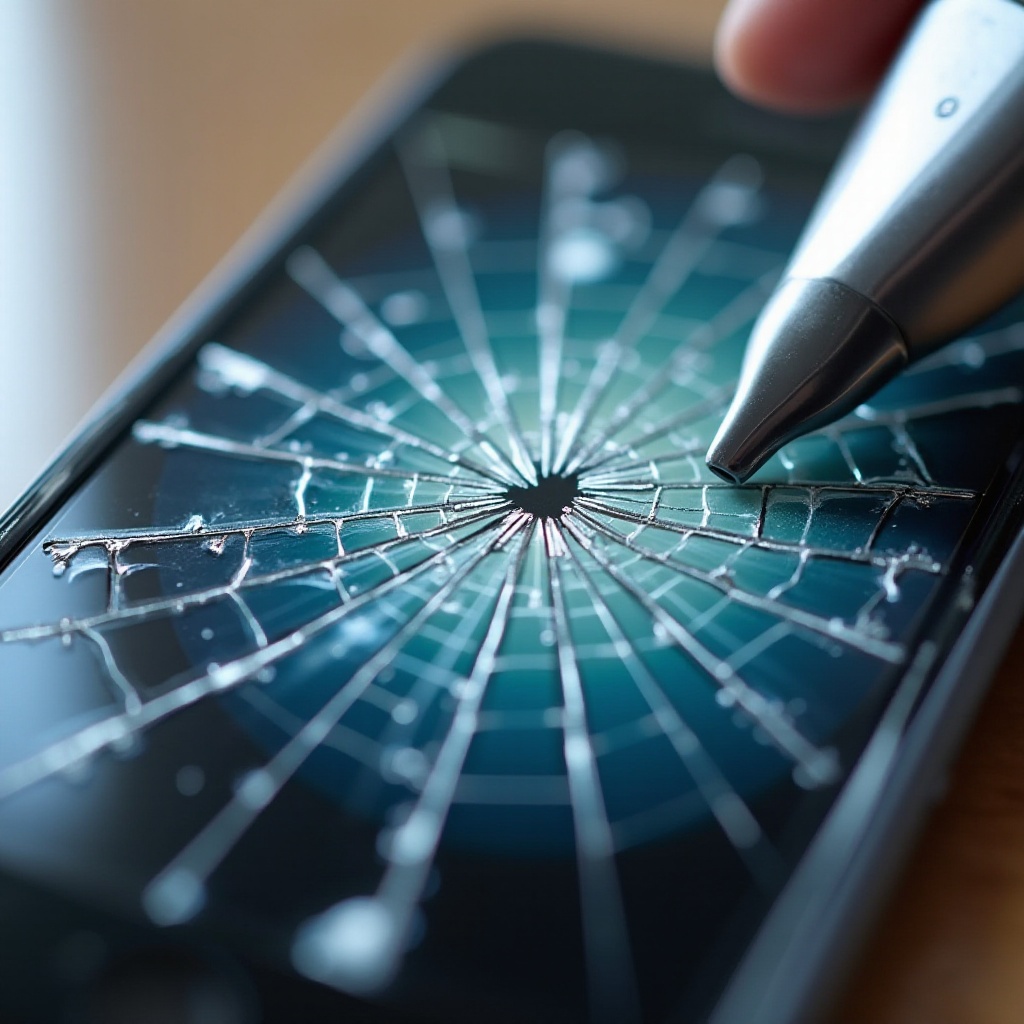
- Required Tools for DIY Repair: You’ll need items like precision screwdriver sets, plastic spudgers, suction cups, and a replacement LCD.
- Step-by-Step Guide to Replacing the LCD Screen:
- Turn off your iPhone completely.
- Remove perimeter screws with the appropriate screwdriver.
- Use a suction cup to gently separate the screen from the phone chassis.
- Disconnect cables attaching the LCD to the phone.
- Install the new LCD and reassemble.
Harnessing these steps correctly ensures that your DIY effort is both safe and effective. Alternatively, weighing professional repairs is also prudent.
Pros and Cons of DIY vs. Professional Repair
Making the right repair choice requires analyzing the benefits and drawbacks of each option.
- Benefits of DIY Repairs: DIY solutions can be cost-effective and rewarding. They provide a sense of personal success but require time, expertise, and patience.
- Advantages of Professional Repair Services: Professionals bring expertise and a guarantee of quality, often giving warranties on their repairs.
- Cost Comparison and Analysis: Although initial DIY costs are lower, professional repairs might prevent future issues, proving cost-effective in the long run.
Evaluating these factors will help you decide whether to pursue a DIY repair strategy or to engage with professionals.
Tips for Preventing Future Screen Damage
After repairing your screen, focus on measures to prevent further damage.
- Choosing the Right Screen Protectors: Invest in reliable screen protection to guard against impacts and scratches.
- Daily Handling Practices: Be mindful with your device. Avoid keeping it in risky places, like back pockets or precarious surfaces.
- Regular Maintenance Tips: Clean your device regularly to prevent dirt and debris from causing internal damage.
Integrating these tips will protect your device and ensure it remains in optimal condition, ultimately enhancing your user experience.

Conclusion
Understanding a broken iPhone screen LCD helps in making informed decisions for repairs and maintenance. Choose between DIY methods or professional help based on your skills and confidence level. Quick action can prevent further damage. By integrating preventative practices, ensure your device offers you long-lasting service and performance.
Frequently Asked Questions
Can I fix my iPhone screen LCD myself?
Yes, if you have the necessary tools and skills, you can attempt a DIY repair. However, it is recommended for individuals confident in handling electronic repairs.
How much does it cost to repair a broken iPhone LCD?
Costs vary. DIY repairs can be cheaper initially, but professional repairs provide quality assurance and may prevent future expenses.
What should I do immediately after breaking my screen?
Turn off your phone to avoid further damage, assess whether the issue is with the LCD or a cracked screen, and decide on DIY or professional repair.