Introduction
Apple TV is a leading choice for transforming your television into a versatile entertainment hub, offering access to services like Netflix, Apple TV+, and more. A common question among TV owners is whether Apple TV is compatible with the model they have. This article helps you understand which TVs work with Apple TV and offers tips on optimizing your experience.
What is Apple TV? An Overview
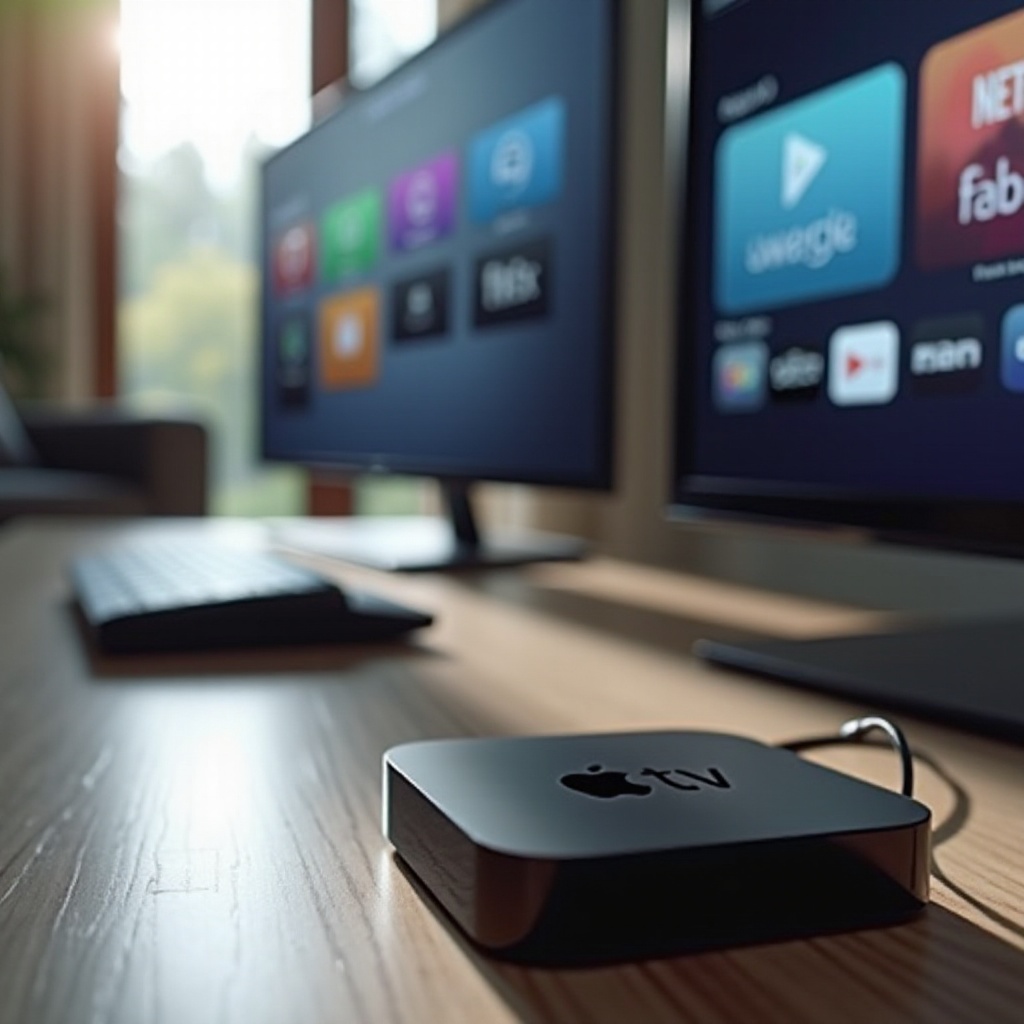
Apple TV is a digital media player created by Apple Inc., designed for streaming video, playing games, and accessing a wide array of apps through your television.
-
Features of Apple TV: Highlighted features include integration across Apple devices, streaming access to platforms like Netflix and Disney+, and voice control with Siri.
-
Different Models of Apple TV (2024 Edition): In 2024, you can choose from models like the Apple TV HD, Apple TV 4K, and the recently enhanced Apple TV 4K sporting better processors and improved features.
Armed with knowledge about Apple TV’s features and models, it’s key to learn about how it pairs with your TV setup.
Understanding TV Compatibility with Apple TV
To ensure your Apple TV functions well, recognizing the requirements your television must meet is crucial.
-
HDMI Requirements: Apple TV requires an HDMI port for connection. Most modern televisions have this feature, but confirming beforehand can save setup time.
-
Internet Connection Needs: Streaming on Apple TV necessitates a stable internet connection. It’s advisable to connect through Wi-Fi or Ethernet for a seamless experience. With most platforms demanding significant data, a reliable internet setup is essential.
With your setup requirements checked, understanding how to connect your Apple TV correctly is the next step.
Setting Up Apple TV with Any Television
Successfully connecting Apple TV to your television is crucial for an optimal experience.
- Step-by-Step Setup Guide:
- Connect your Apple TV to a power source.
- Use an HDMI cable to connect it to your TV.
- Turn on the TV and select the appropriate HDMI input.
-
Follow on-screen prompts to complete internet setup and Apple ID sign-in.
-
Troubleshooting Common Issues: If the Apple TV doesn’t display, ensure all connections are secure. Validate that the TV’s input is set correctly. If needed, restart devices.
-
Ensuring Optimal Connection: Incorporate an Ethernet cable for a more stable connection than Wi-Fi, reducing buffering and enhancing video performance.
Once your Apple TV is successfully connected, you can make adjustments to enhance your experience further.
Enhancing Your Apple TV Experience
An active Apple TV setup can be personalized to maximize viewing pleasure.
-
Picture and Sound Quality Optimization: Align your Apple TV’s settings with your television’s capabilities for the best visual and audio experience.
-
Using Additional Features Like AirPlay: AirPlay enables streaming from other Apple devices to your TV, broadening content options.
-
Exploring Popular Apps: With the App Store on Apple TV, you can download numerous apps for streaming, gaming, and productivity, changing how you use your TV.
Beyond immediate setups, staying informed on future advancements can ensure that your Apple TV remains a valuable investment.
Future Trends in Apple TV Compatibility
Keeping abreast with technological advancements ensures your setup’s longevity.
-
Upcoming Features in 2024: Prospective Apple TV models may introduce superior connectivity options and anticipate enhancements that could expand usability.
-
Expanding Compatibility with Older Models: With constant updates, newer generations of Apple TV may work even better with older televisions, making them adaptable and functional well into the future.
As innovations continue to unfold, being prepared will afford a richer viewing experience. Let’s wrap up with the key takeaways.
Conclusion
Apple TV enriches any television setup, offering diverse entertainment and intuitive ease of use. By understanding compatibility and optimizing for performance, you ensure an enjoyable streaming experience. Connect an Apple TV to explore endless possibilities of entertainment directly from your home.
Frequently Asked Questions
Can Apple TV work with non-smart TVs?
Yes, Apple TV transforms TVs with HDMI ports into smart TVs, offering streaming capabilities.
What should I do if my Apple TV isn’t connecting to my TV?
Check HDMI connections, ensure the TV is on the correct input, and restart both devices.
Do I need a special cable to connect Apple TV to any TV?
No, a standard HDMI cable compatible with both your Apple TV and TV suffices.