Introduction
Acer laptops are generally reliable devices, known for their high performance and dependable design. However, you might find yourself perplexed when your Acer laptop won’t power up even though the blue power light is on. This situation is a common source of frustration, implying that while your laptop is receiving power, there might be underlying hardware or software complications impeding a successful boot.
In this guide, we’ll dive into potential causes behind this issue and offer practical solutions to troubleshoot and remedy it. By meticulously following these steps, you may restore functionality to your Acer laptop without the need for professional intervention. Let’s first delve into the significance of the blue light indicator.
Understanding the Blue Light Indicator
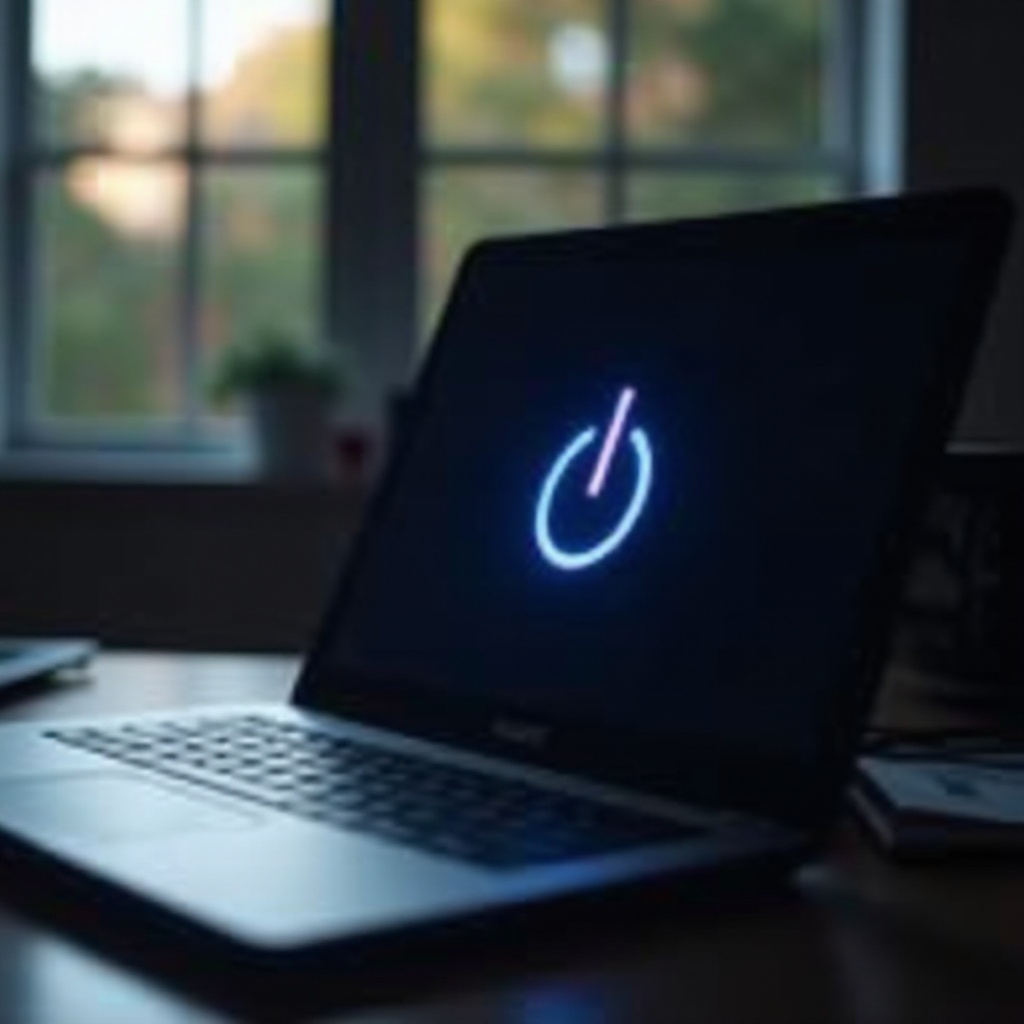
The blue light indicator on an Acer laptop typically means that the device is receiving power. When you press the power button and the blue light appears, it indicates that the power connection is intact. However, should the display remain blank, various deeper issues could be at play.
Grasping the importance of the blue light can guide your diagnosis process, helping you zero in on potential issues, often related to power supply malfunctions or software hiccups. Using this knowledge, we can first examine essential elements that frequently result in boot problems.
Initial Power Checks
One of the most prevalent reasons an Acer laptop won’t boot, despite the blue power light being on, pertains to power issues. Therefore, initial investigations should focus on ensuring the integrity of the power supply and its components.
-
Check the Power Adapter: Make sure your charger is operational by testing it with another device. Thoroughly inspect the power cable for visible wear and tear.
-
Inspect the Power Outlet: Try a different outlet to exclude any socket faults.
-
Perform a Battery Test: If it is detachable, remove the battery and plug the laptop directly into a power source. If your device powers on this way, the battery may be defective.
These straightforward evaluations can often help diagnose or dismiss a faulty power supply, allowing us to investigate further into hardware components.
Inspecting Hardware Components
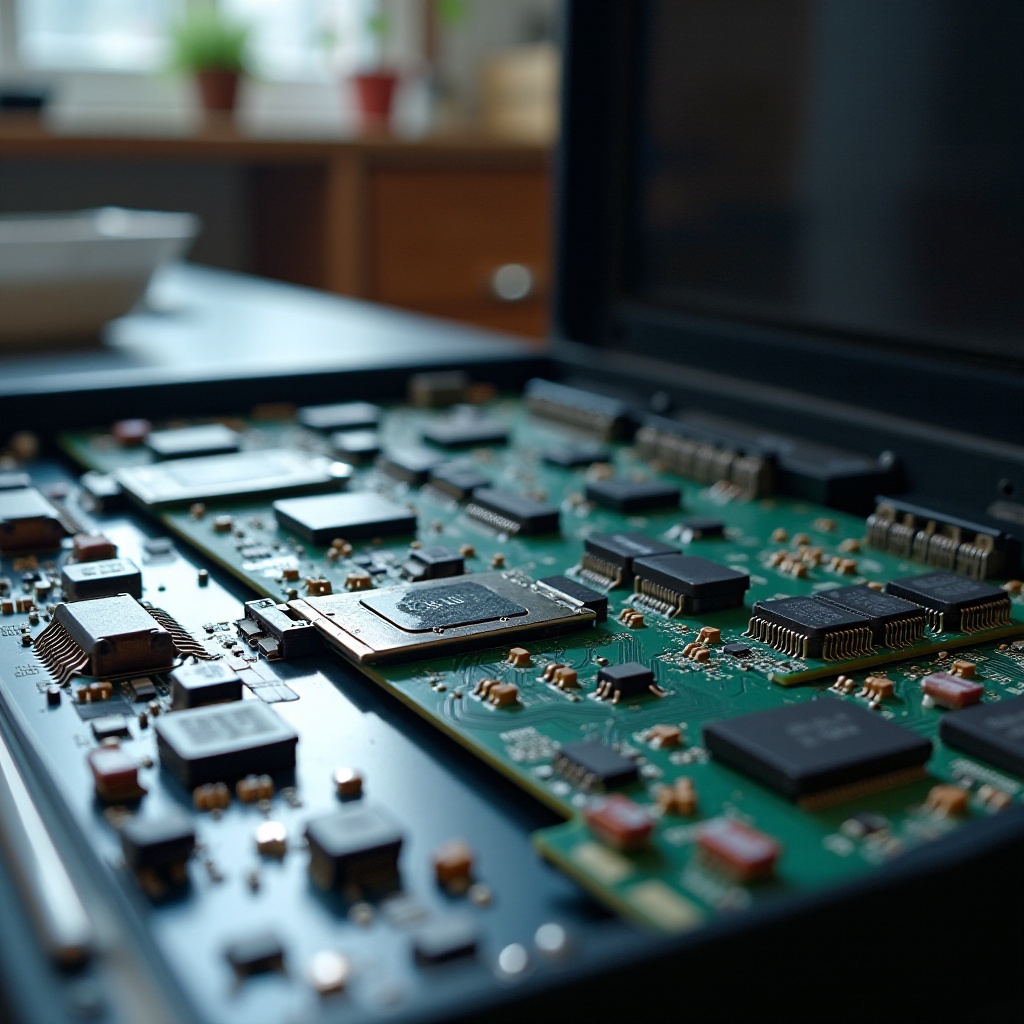
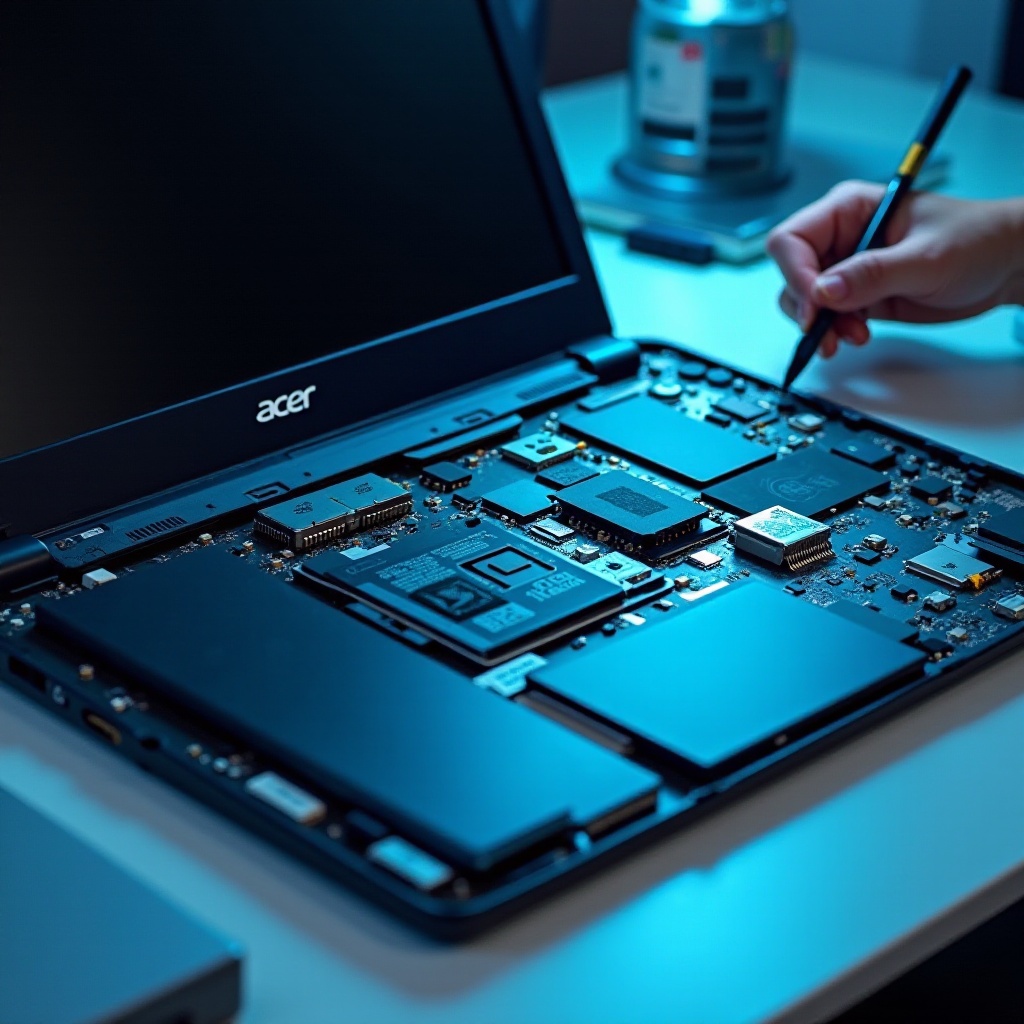
When power checks do not resolve the problem, the next step involves scrutinizing the hardware components of your Acer laptop. Faulty internals can inhibit the booting process even if the power supply is steady.
Checking RAM and Hard Drive
Start by assessing the RAM, which might be dislodged or malfunctioning. Access the back panel and ensure RAM modules are firmly seated. Also, review the connections of the hard drive for security.
Evaluating Battery Health
Aging batteries lose efficiency and can interfere with boot processes. Use diagnostic tools to assess battery health or consider a replacement if it fails to retain charge appropriately. With hardware thoroughly examined, we should now address potential software problems.
Software-Related Solutions
Software anomalies may disrupt the boot process, irrespective of a functional power supply and hardware. Corrupted system files or erroneous settings typically induce these issues.
Safe Mode Boot Process
Try booting into Safe Mode by pressing F8 (or Shift + F8) during startup. Safe Mode initiates the system with essential drivers only, avoiding problematic software possibly responsible for boot failures.
BIOS/UEFI Settings Reset
Sometimes inaccurate BIOS configurations can cause startup hindrances. Access BIOS/UEFI settings using the F2 key when starting up, and reset to default settings. Confirm the correct boot sequence is set, saving changes following exits. If issues continue, advanced troubleshooting might be required.
Advanced Troubleshooting Steps
For persistent issues post-basic troubleshooting, conducting advanced diagnostic evaluations might be necessary. These tests include examining external connections and peripherals that may affect overall device functionality.
External Monitor Testing
Connect to an external monitor via HDMI or VGA cables to establish if your laptop’s screen may be at fault. Should the external display function properly, your internal display could be defective.
Peripheral Device Isolation
External attachments could occasionally trigger system freezes. Unplug all peripherals such as USB drives, printers, and docking stations before attempting a restart. If successful, a peripheral may be implicated.
When to Seek Professional Assistance
If these steps don’t resolve the issue, consulting a professional might be necessary. Professionals employ specialized equipment to discern intricate hardware issues and conduct repairs unattainable at home.
Resorting to expert help assures integrity of any existing warranties and ensures that necessary repairs extend the lifespan of your Acer laptop.
Preventative Maintenance Tips
Implementing regular maintenance routines can help sidestep similar issues in the future, preserving the efficiency and lifespan of your device.
-
Regular Software Updates: Prevent compatibility problems by ensuring your operating system and drivers are consistently updated.
-
Clean Your Laptop: Dust and debris can cause overheating or disconnectivity. Clean your laptop’s fans and vents routinely.
-
Battery Care: Avoid complete battery depletion, ideally maintaining it above 20%. Calibration aids in sustaining optimal health.
Conscientious maintenance can enhance device performance and mitigate future interruptions.
Conclusion
Systematically approaching the problem of an Acer laptop that won’t turn on despite the blue light being on can lead to easy resolutions. Start by tackling power concerns, check hardware, review software fixes, and carry out advanced tests if needed. By adhering to these detailed measures, most users can resolve typical boot issues independently of professional services.
Frequently Asked Questions
Why does my Acer laptop’s blue light turn on but not the screen?
The blue light indicates power, but doesn’t ensure that the screen or internal components are operational. This could stem from hardware issues such as faulty RAM, display malfunctions, or software problems hindering the boot process.
Can a hard reset fix my Acer laptop’s power issue?
A hard reset can often alleviate minor glitches by resetting power cycles, clearing temporary memory, and reinitializing hardware components, possibly resolving power issues.
How can I prevent my Acer laptop from facing this issue in the future?
To prevent similar issues, engage in regular maintenance like updating software, regular hardware cleaning, and proper battery care to avert common causes of boot failures.