Introduction
Has your phone suddenly stopped charging when plugged in? This frustrating experience is one that many smartphone users face. Understanding why your phone might be rejecting a charger can help you find a quick solution. Such issues range from hardware malfunctions to software glitches. Addressing these swiftly is vital to avoid battery drain, which can hinder your communication and productivity. This article explores the common causes of charger rejection, diagnostic steps, and effective solutions to ensure your device remains powered. By following this guide, you’ll gain valuable insights to prevent future charging issues.
Understanding the Charging Process
To effectively resolve charging issues, it is important to first understand how the charging process in smartphones works.
How Smartphones Charge
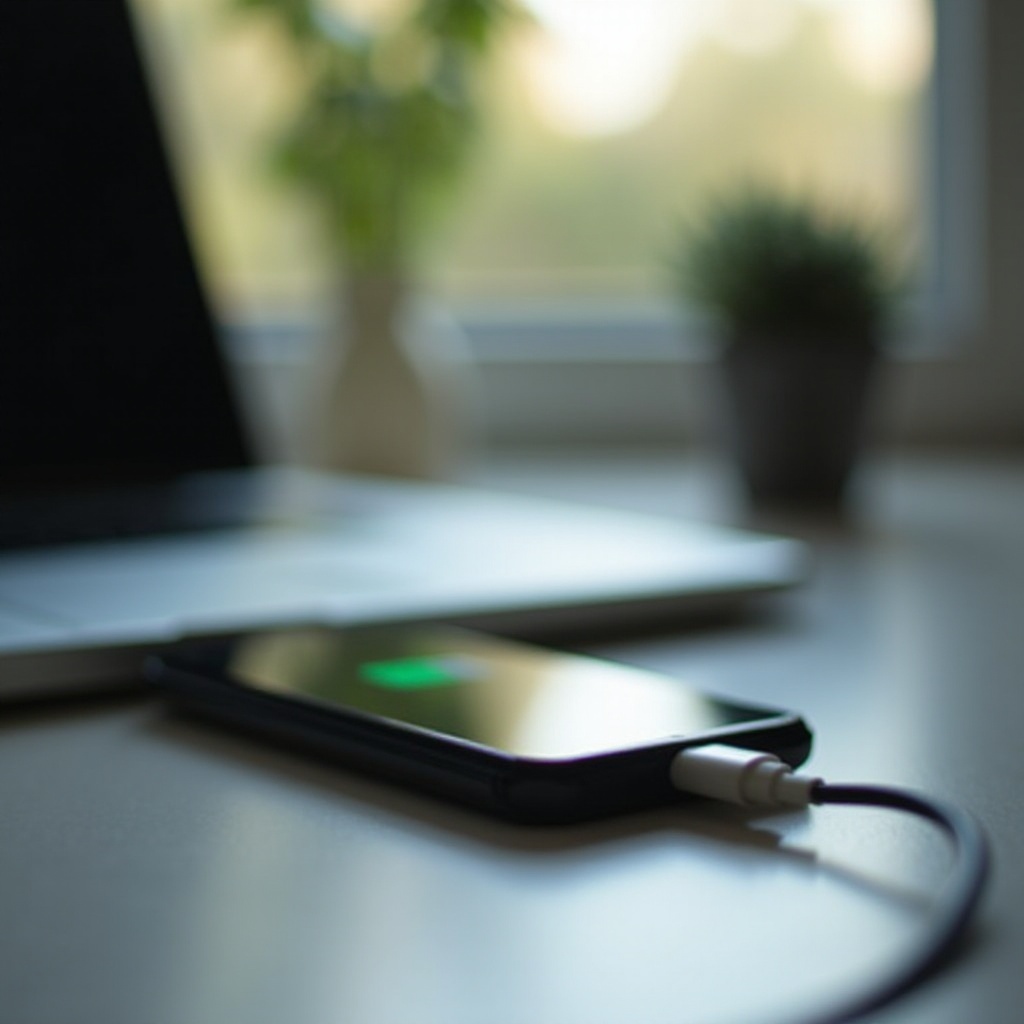
Smartphones rely on a combination of software and hardware to charge. When you plug your charger into a wall outlet and connect it to your phone, electricity travels through the cable to the phone’s battery. This process converts AC power into DC, enabling the battery to gain energy efficiently. The smartphone’s internal system manages this process to prevent overcharging and overheating, ensuring the battery’s longevity. Understanding these steps is crucial as you begin to diagnose potential issues.
Essential Components in Charging
The charging process involves several critical components: the charging cable, adapter, phone’s charging port, and battery. Each part must function correctly for efficient energy transfer. If any component is compromised, the charging process can malfunction, causing your phone to reject the charger. Recognizing this can help in pinpointing where the problem lies.
Transitioning from understanding the intricacies of charging, let’s delve into the typical reasons your phone might reject a charger.
Common Reasons for Charger Rejection
When your phone refuses to charge, several usual suspects could be the cause.
Damaged or Defective Charging Cable
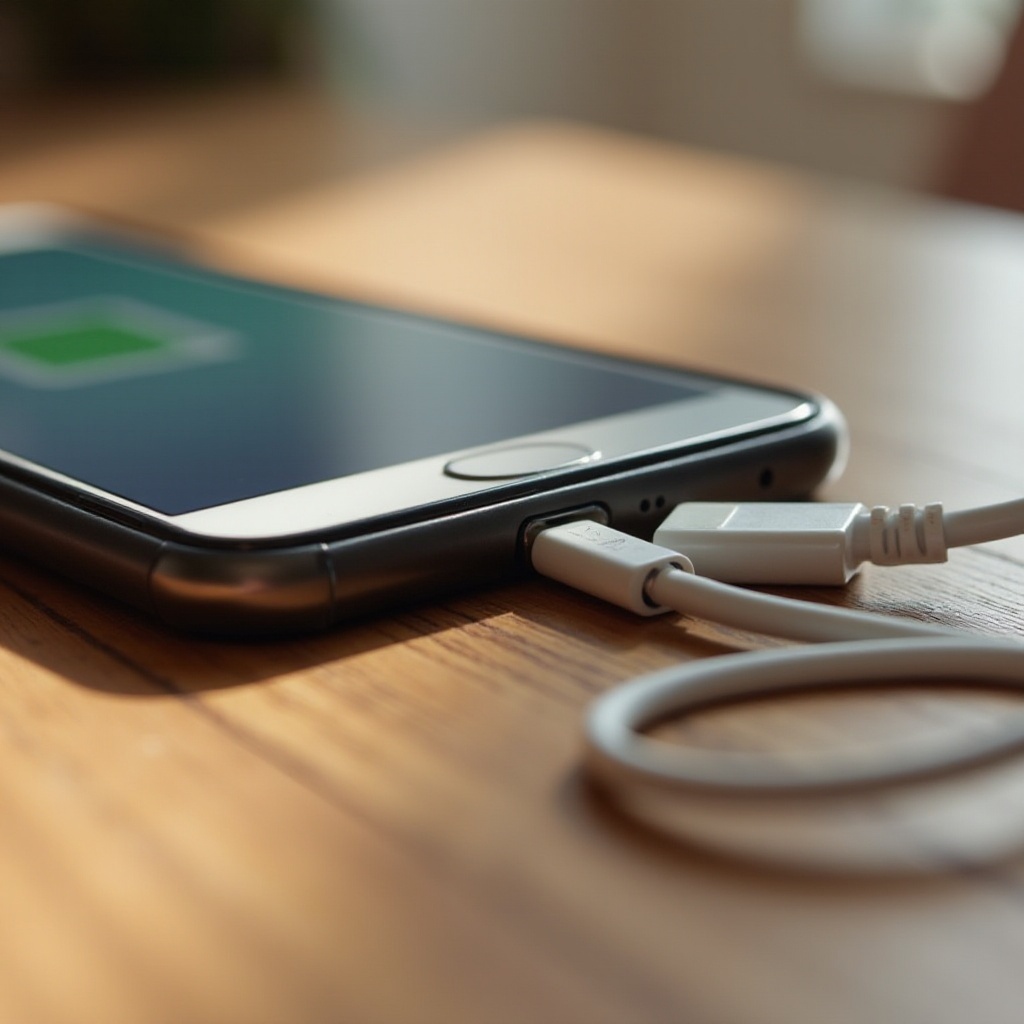
Often, issues arise from the charging cable. Frequent bending or twisting can damage the internal wires, leading to connectivity problems. This is one of the most easily identifiable and solvable issues. Inspecting and replacing the cable can often restore normal charging function.
Obstructed or Faulty Charging Port
Dust or debris can accumulate in the charging port, blocking the connection. Alternatively, physical damage to the port could also cause the phone to reject the charger. This can occur due to mishandling or impacts. Regular cleaning and careful handling can prevent such issues.
Incompatible Charger or Power Source
Using chargers and cables not designed for your specific phone model can lead to incompatibility issues. They might not provide the correct voltage or amperage, resulting in ineffective charging. Ensure that you are using the right accessories for your device.
Software Glitches or Updates Needed
Sometimes, the issue is not hardware-related but lies within the phone’s software. A software glitch or the need for an update may interfere with the charging recognition process. Keeping your software updated can help maintain optimal charging functionality.
Transitioning from the reasons, let’s explore how to diagnose the charging issue accurately.
Diagnosing the Charging Issue
Diagnosing the problem systematically can help identify the root cause.
Inspecting Physical Damage
- Check the charging cable and adapter for physical wear or fraying.
- Examine the phone’s charging port using a flashlight to spot any debris or damage.
Checking Cable and Port Connections
- Plug in the charger and gently try different positions to see if it makes a connection.
- Test another cable or adapter to determine if the issue persists.
Verifying Charger Compatibility
- Ensure the charger is compatible with your device’s specifications.
- Refer to your phone’s manual or manufacturer’s website to verify charger authentication.
Shifting from diagnosis, let’s apply solutions to these identified problems.
Solutions to Fix Charger Rejection
Once diagnosed, implement these solutions to fix the charging issue.
Repairing or Replacing Damaged Components
- If you find your cable is damaged, replace it with a new, genuine one.
- Consider consulting a professional to repair or replace a faulty charging port.
Performing Software Updates and Resets
- Check for any available software updates for your phone and install them.
- If issues persist, perform a factory reset after backing up important data.
Choosing Certified and Compatible Accessories
Always use manufacturer-certified chargers. Avoid third-party options unless they’re recommended by the manufacturer. Certified accessories ensure the correct power output and protect against electrical damages.
Understanding solutions is crucial, but preventing charging issues can save a lot of time and hassle.
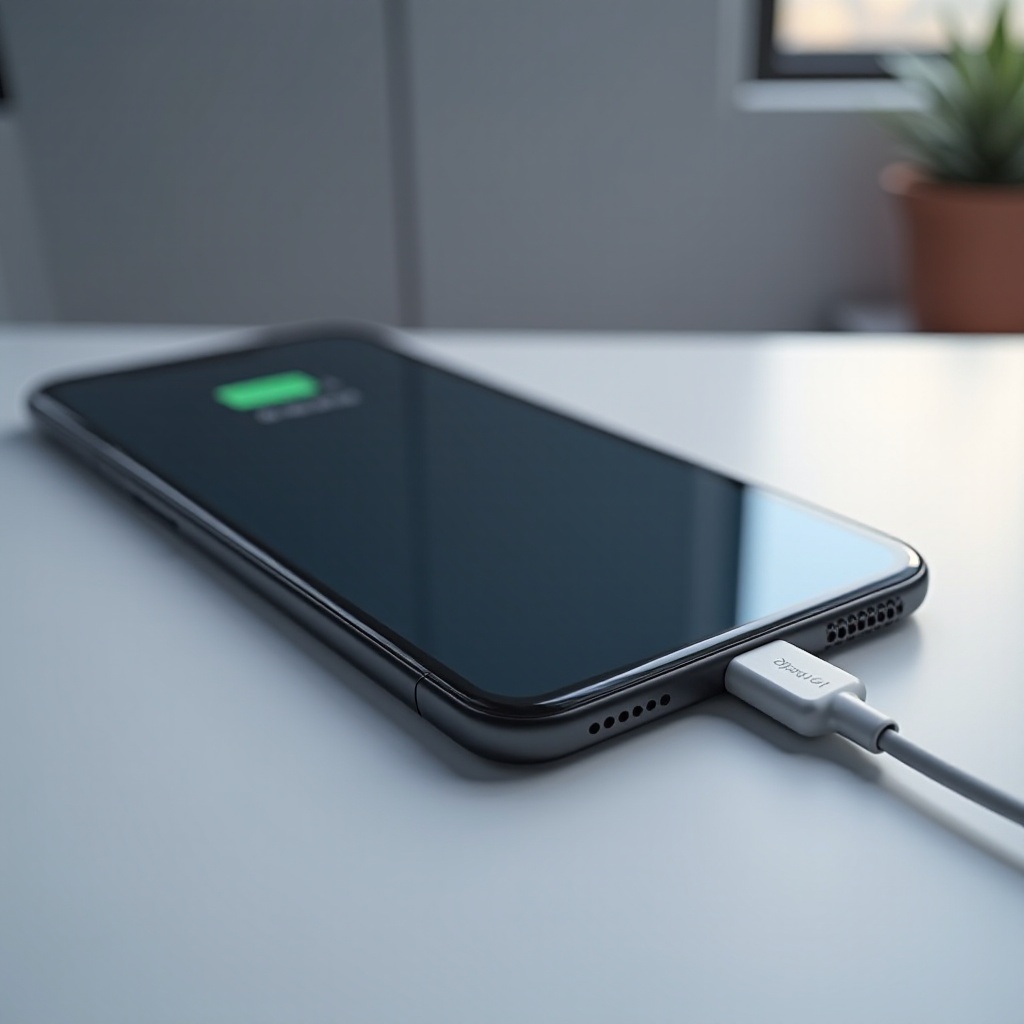
Preventive Measures for Charging Issues
Prevention always beats cure. Follow these guidelines to avoid charging issues in the future.
Best Practices for Charging
- Avoid charging your phone overnight to prevent overcharging.
- Unplug the charger when the battery reaches 80-90%, prolonging battery lifespan.
Tips for Extending Charger Lifespan
- Store charging cables coiled correctly to prevent wear.
- Keep your charging environment dry and clean to avoid port obstructions.
Conclusion
Understanding and addressing why your phone rejects its charger is vital to protect your device and keep you connected. Identifying potential issues and solutions empowers users to maintain their device efficiently. Routine maintenance and proper care are essential for avoiding future complications and prolonging the life of your phone and its components.
Frequently Asked Questions
Why does my phone charge slowly sometimes?
Slow charging often results from a weak power source, a damaged cable, or background apps consuming power. Ensure you charge using a reliable power source, check your cable for issues, and close unnecessary apps.
How can I clean my phone’s charging port safely?
Use compressed air or a soft brush to remove dust and debris without damaging the port. Avoid using metal objects that may harm the connections.
Is it safe to use third-party chargers?
While some third-party chargers work well, use them with caution. Ensure they are certified by reputable sources to avoid voltage mismatches that could damage your phone.