Introduction
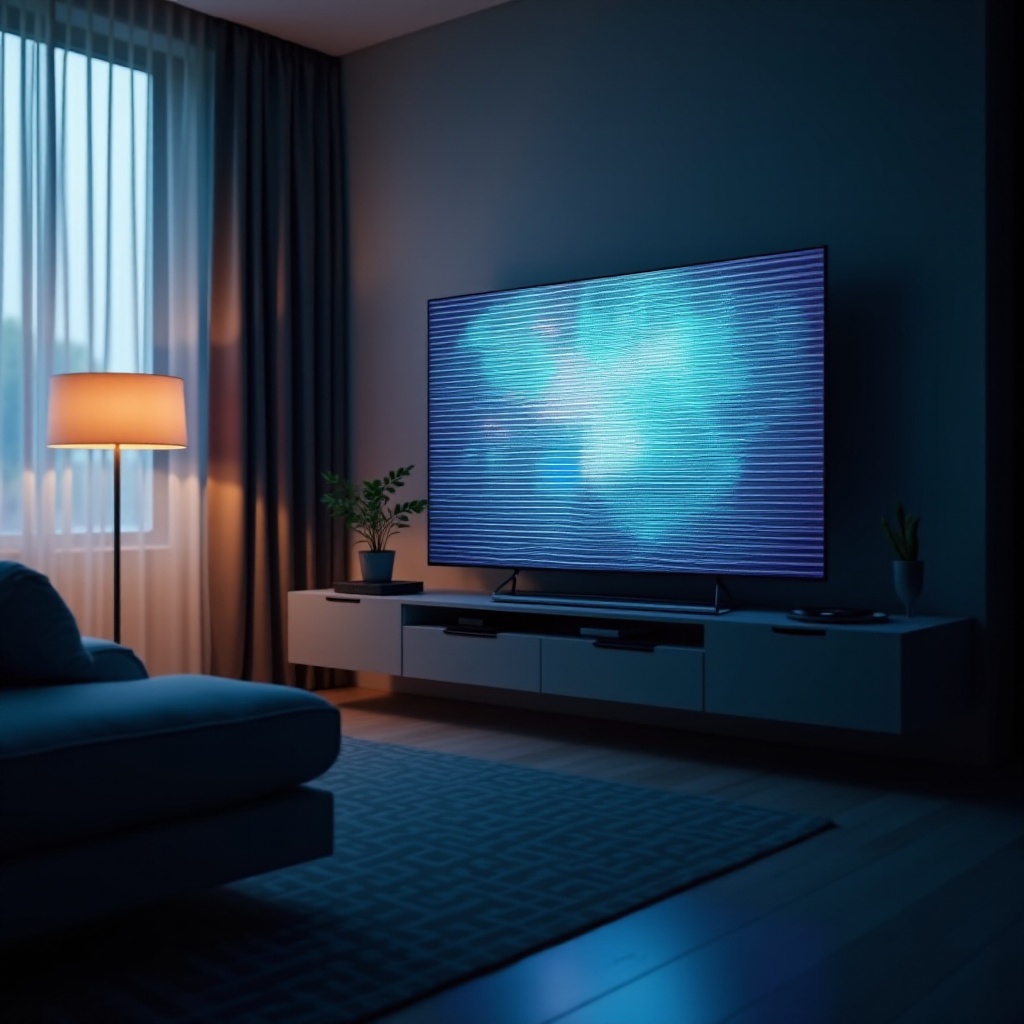
Experiencing flickering horizontal lines on your Vizio TV can be incredibly frustrating, disrupting your viewing pleasure. Whether enjoying a movie or tuning in to your favorite show, these lines impair your screen’s quality. Thankfully, effective remedies are available. This guide will lead you through understanding and addressing the issue of flickering horizontal lines on your Vizio TV.
Identifying the root cause is crucial for resolving and preventing future occurrences. This guide serves both tech enthusiasts looking to DIY and those seeking direction on how to proceed, covering both basic and advanced troubleshooting strategies. Let’s explore the common culprits behind this annoying issue.
Common Causes of Flickering Horizontal Lines
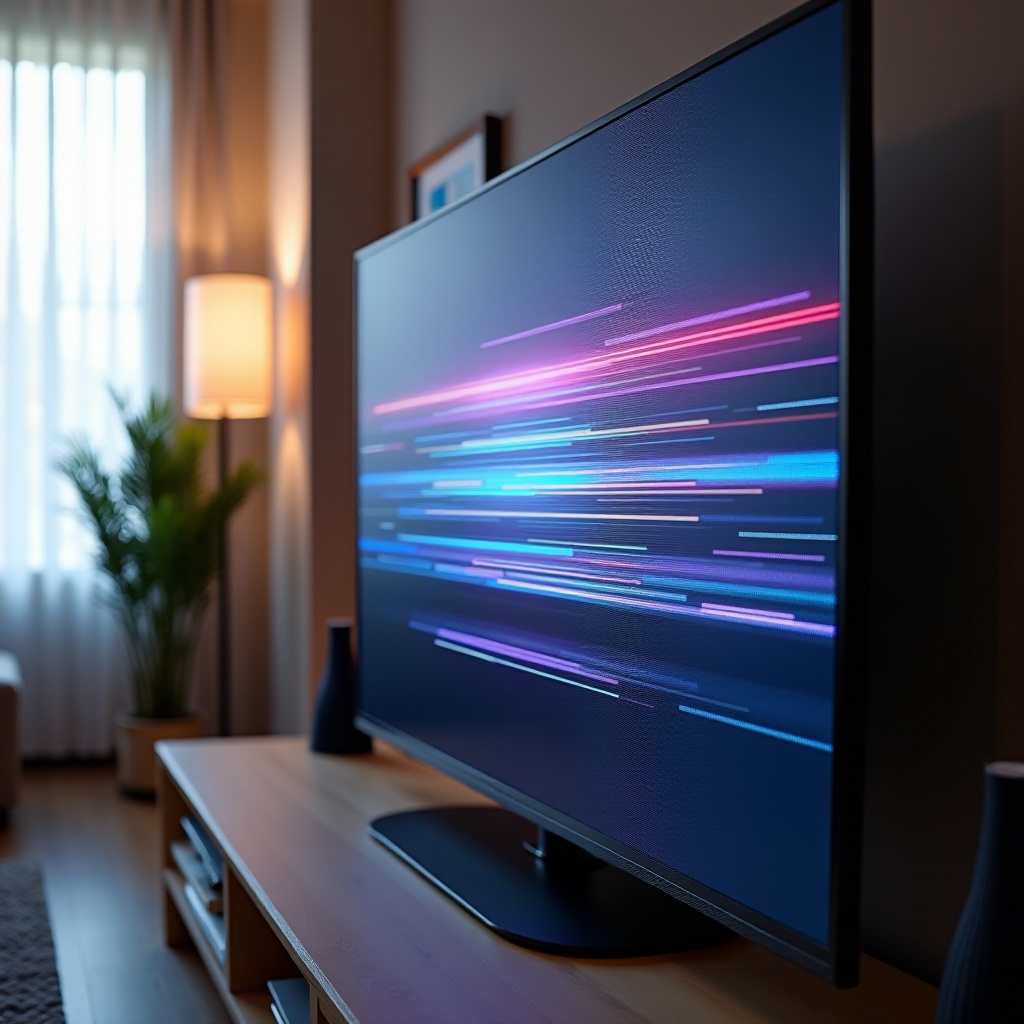
Several factors can result in flickering horizontal lines on your Vizio TV. Identifying these can help guide effective troubleshooting.
-
Cable Connections: Faulty or loose cables, whether HDMI, coaxial, or power cables, can disrupt signal transmission, leading to horizontal lines.
-
Input Source: Occasionally, the input device—whether a Blu-ray player, gaming console, or a particular HDMI port—may be the issue.
-
Screen Backlight Issues: A failing backlight can trigger flickering lines. This issue often ties to hardware malfunctions or aged components.
-
Internal Hardware Problems: Damage to internal components, like the T-Con board or the mainboard, might be to blame.
Understanding these common causes simplifies diagnostics, leading us to the diagnostic steps to ascertain the specific issue.
Diagnostic Steps
Diagnosing the root of the issue is the first step before proceeding to a fix. Here’s how:
-
Check Cable Connections: Verify secure connections. Simply reinserting cables sometimes solves the issue.
-
Switch Input Sources: Change the input source to see if the problem persists. Utilizing a different device or port may reveal the source of the issue.
-
Soft Reset: Perform a soft reset by unplugging the TV, waiting 5 minutes, then plugging it back in.
-
Picture Test: Use the internal test picture feature, if available, to discern whether the issue lies within the TV or an external input.
Once basic diagnostics are executed, you should have a better understanding of the root cause. If issues persist, it may be time to dive into advanced troubleshooting.
Advanced Troubleshooting
When basic diagnostics aren’t enough, these in-depth troubleshooting steps may help:
-
Firmware Update: Ensure your TV’s firmware is current. Updates often address software problems impacting display quality.
-
Inspect T-Con Board: If comfortable doing so, check your Timing Control (T-Con) board for connection issues. Otherwise, consider professional help.
-
Check Voltage and Power Supply: Voltage inconsistencies might cause the problem. Use a multimeter to verify voltage stability or consult a technician.
-
Factory Reset: Though it erases all saved data, a factory reset can solve persistent problems. Go to ‘System’ settings and select ‘Reset & Admin.
-
Replace Faulty Ports or Cables: If a specific port or cable is faulty, replacing it with a high-quality alternative may resolve the issue.
These advanced steps should resolve most issues, but when complexities arise, professional intervention might be necessary.
When to Seek Professional Help
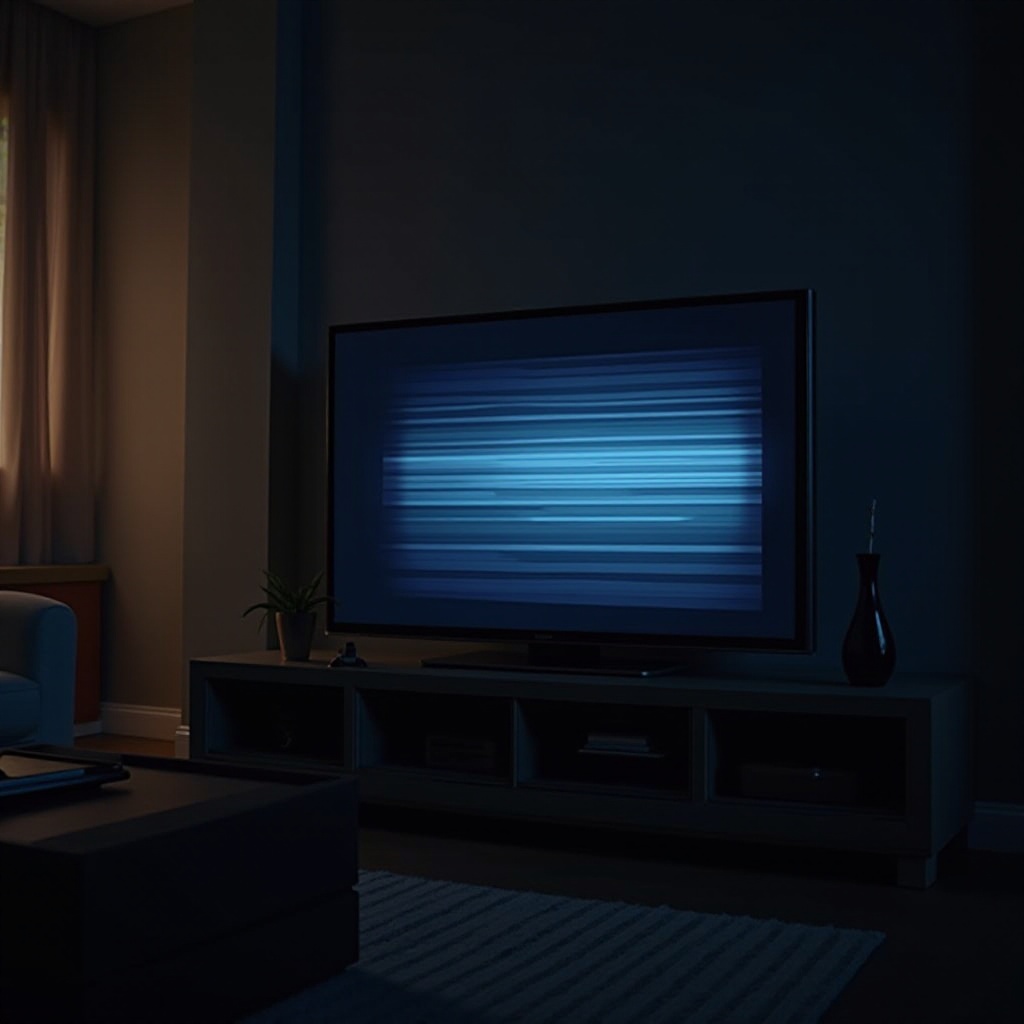
If all troubleshooting steps fail, consider professional help under these circumstances:
-
Hardware Damage: Internal damage necessitates expertise to avoid further complications.
-
Persistent Issues: Lingering problems might indicate deeper issues needing professional diagnosis.
-
Warranty Concerns: For TVs under warranty, contacting Vizio or the retailer is a wise approach, maintaining your coverage.
Seeking professional help is not just about resolving the issue; it’s about preventing recurrence and keeping your Vizio TV performing optimally.
Conclusion
Dealing with flickering horizontal lines on your Vizio TV doesn’t have to overwhelm you. By understanding the typical causes and methodically troubleshooting, you can often solve the problem independently. However, professional assistance assures optimal care and resolution if uncertainties persist. With the right knowledge and strategies, you’ll soon return to enjoying your shows with pristine screen quality.
Frequently Asked Questions
What are the common causes of horizontal lines on my Vizio TV?
Common causes include loose cable connections, issues with the input source, screen backlight problems, and faulty internal television components.
How can I perform a soft reset on my Vizio TV?
To perform a soft reset, unplug your TV from the power source, wait for about 5 minutes, then plug it back in and turn it on.
When should I consider contacting Vizio customer support for flickering issues?
Consider contacting Vizio support if basic and advanced troubleshooting steps fail or if you suspect hardware issues, particularly if your TV is under warranty.